Networking Event Planning
Networking Event Planning
Practical strategies for tables, rounds, timing, transitions, and attendee flow.
Mix & Move takes the headache out of multi-round networking. It creates smarter table rotations, minimizes repeat connections, and tells every attendee exactly where to go next—right from their phone or browser.
Your event. Your venue. Your platform. Our rotations.
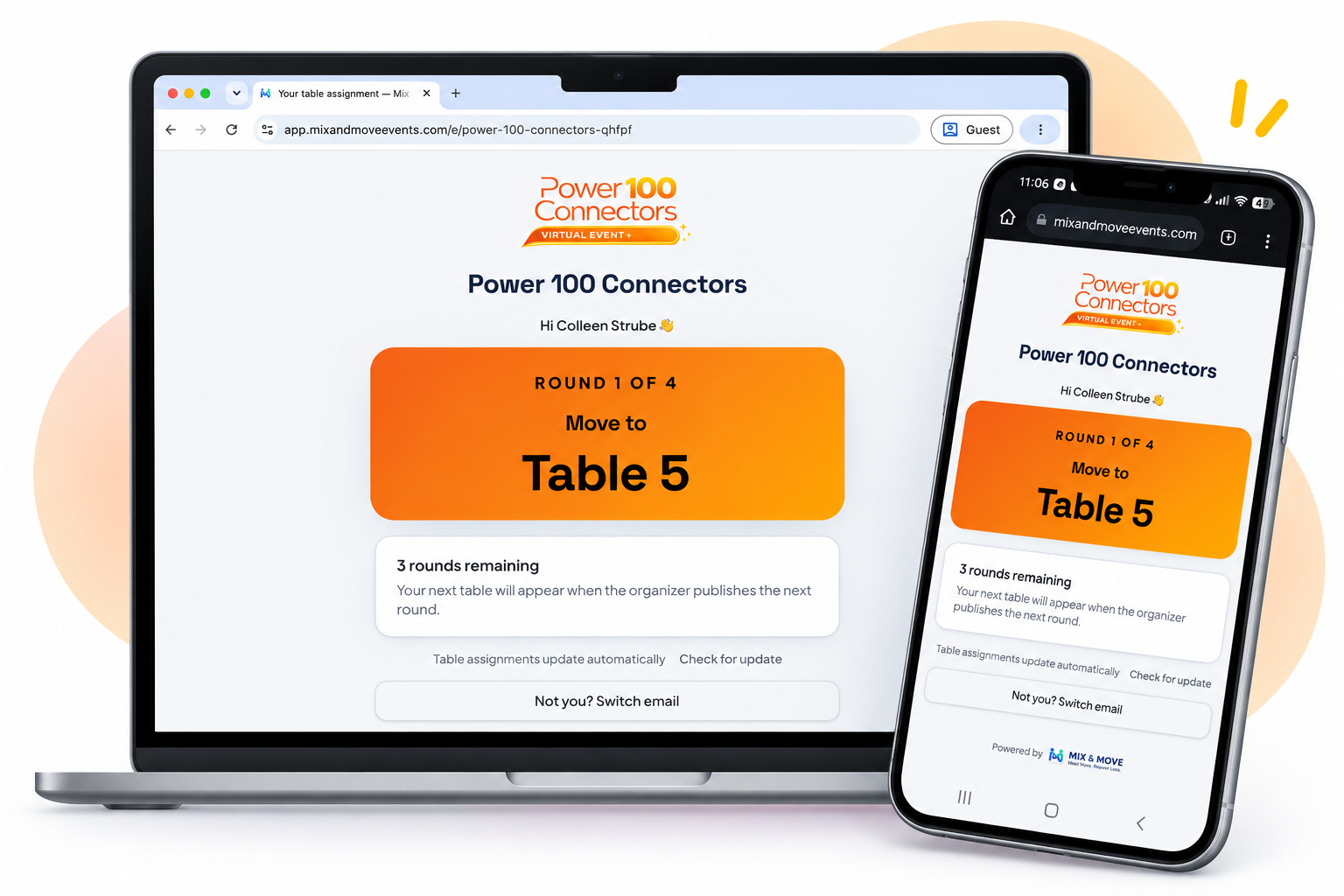
You know the moment. You say, “Everyone get up and find another table,” and suddenly everyone is standing, looking around, trying to figure out where to go next.
Mix & Move replaces the shuffle with clear assignments.
Everyone knows exactly where to go next.
Set up your event, add your attendees, and let Mix & Move handle the rotations. From there, everyone knows where to go—and you stay in control when plans change.
Set your tables, seats, rounds and group size.
Add attendees manually, paste a list, or import them.
Mix & Move builds the rounds to maximize new connections and minimize repeats.
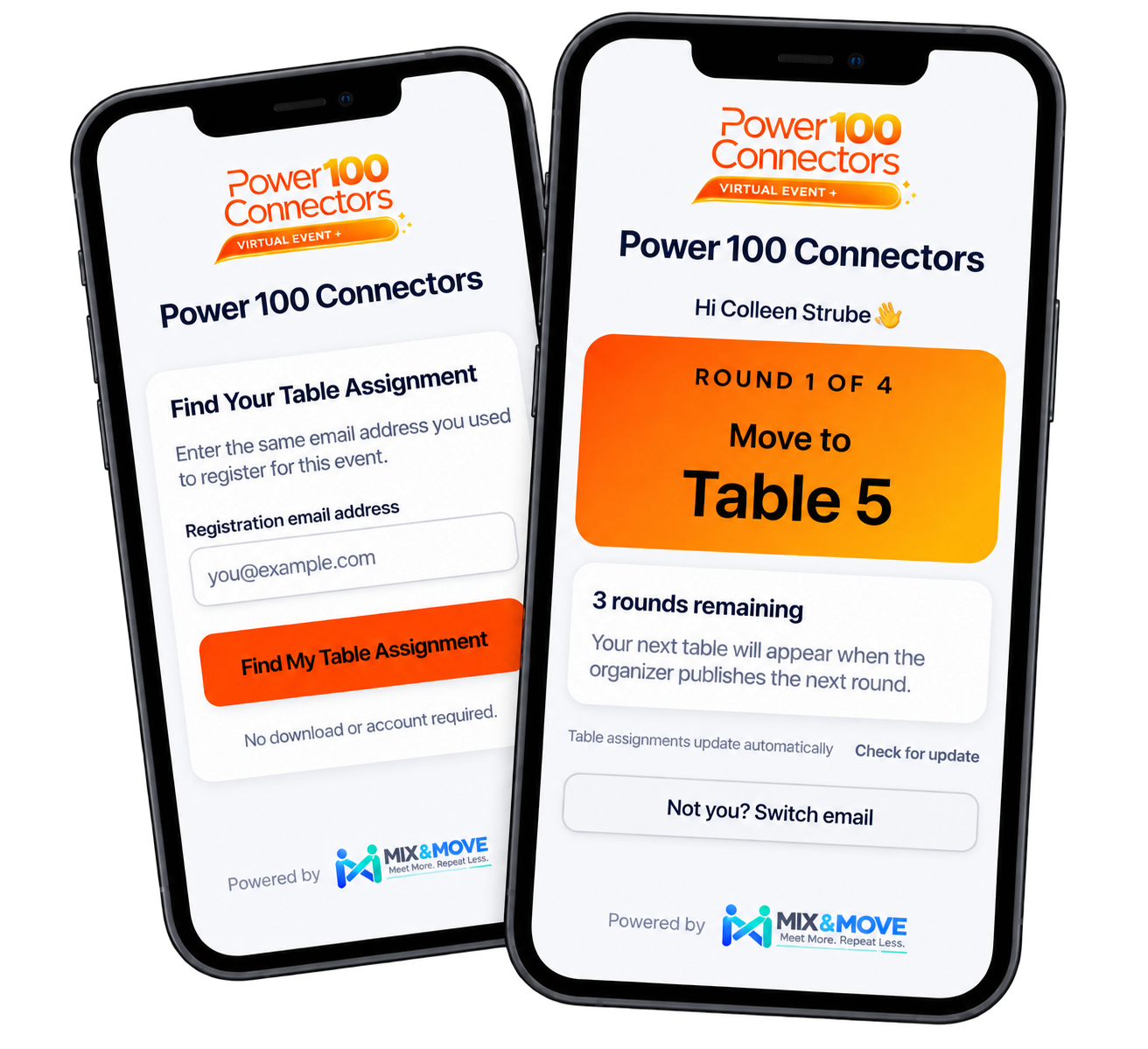
Share a link or QR code. No download. No attendee account.
One tap tells everyone exactly where to go next.
Late arrival? Early departure? Adjust future rounds without changing what already happened.
Your attendees shouldn’t need instructions to figure out the instructions. Whether they’re networking in person or virtually, Mix & Move keeps it simple: open the link, enter an email, and see exactly where to go next.
Mix & Move works wherever your event happens—in person, virtually, or somewhere in between. You choose the venue or platform. Mix & Move handles the rotations and tells everyone where to go next.
Late arrivals. Early departures. A table suddenly too small. Update who’s actually in the room, and Mix & Move adjusts the rounds ahead—without rewriting the connections that already happened.
Real events rarely go exactly as planned.
Mark who’s in. Mark who’s out. Mix & Move knows who is still participating.
Future rounds re-optimize while completed rounds and connection history stay intact.
No starting over. No rebuilding the event.
Mix & Move adjusts what happens next while preserving what already happened.
Need certain people to stay put while everyone else rotates? Fix a host, captain, mentor, interviewer, or expert to a table or room—and Mix & Move builds the rotations around them.
You choose who stays anchored and where. Mix & Move rotates everyone else around them.
If people need to meet, move, rotate, or connect in organized rounds, Mix & Move can help make it happen.
Group networking, 1:1 connections, speed dating & topic tables
Chambers, associations, conferences & masterminds
Zoom breakout rooms, Remo tables & virtual networking
Mentors, workshops, training stations & onboarding
Round-robin interviews, recruiting events & buyer/supplier meetings
Retreat activities, trade-show booths & hosted rotations
Mix & Move handles the movement behind the scenes, so you can spend less time managing the room and more time being part of it.
Fewer repeat connections. More valuable introductions.
Less shuffling. More time actually connecting.
Late arrivals and early departures don't derail your rounds.
What already happened stays exactly where it belongs.
Hosts stay put while everyone else rotates around them.
Keep tables and rooms from becoming too full—or too empty.
Everyone knows exactly where to go next.
Use Mix & Move with the venue or virtual platform you already use.
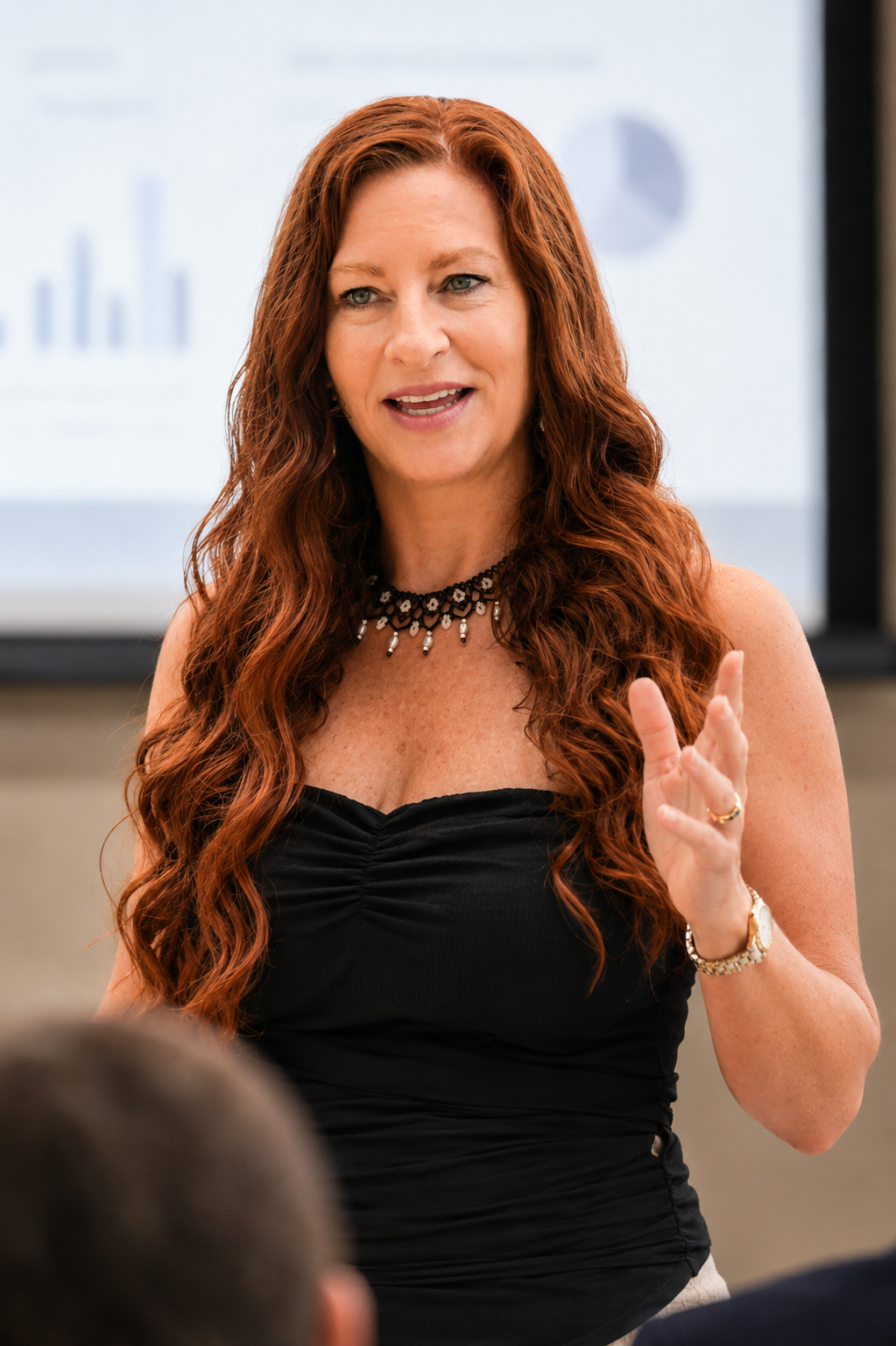
I’ve spent years organizing networking events—both in person and virtually. And I learned pretty quickly that “Everyone get up and find another table” is not a networking strategy.
People wander. Connections repeat. Tables become uneven. And valuable networking time disappears while everyone figures out where to go.
I tried spreadsheets. Assigned rotations. Seating tools. Even networking rotation software. They all helped—but they shared one big assumption: everyone would show up, stay for the whole event, and follow the plan.
Real events don’t work that way.
People arrive late. People leave early. Attendance changes. And the organizer needs to adapt without starting over.
That’s why I created Mix & Move: a rotation tool built from the perspective of the person actually running the room.
No per-attendee fees. Choose the option that fits how often you run events.
Same Organizer plan. Special launch rate.
Limited to the first 50 Organizer annual subscriptions. Your $149 annual rate stays locked while your subscription remains active. If you cancel and return later, current pricing applies.
If you're wondering how Mix & Move fits into your event, start here.
Mix & Move is smart rotation management software for in-person and virtual events. It helps event organizers create multi-round participant rotations, reduce repeat connections, tell attendees exactly where to go next, and adapt future rotations when attendance changes during an event.
Networking rotation software creates and manages participant assignments across multiple rounds. Mix & Move uses smart rotations to help attendees meet more people, reduce unnecessary repeat connections, and know exactly where to go next.
No. Mix & Move handles the rotations, not the event itself. Use the in-person venue or virtual event platform you already use, and Mix & Move tells attendees where to go next.
Yes. Use Mix & Move for in-person tables, rooms, booths, stations, or activities, as well as virtual tables and breakout rooms. Your venue or virtual platform hosts the event; Mix & Move manages the rotations.
Yes. Mix & Move works alongside platforms such as Zoom and Remo. Mix & Move manages the assignments and rotations while your virtual platform hosts the conversations, tables, or breakout rooms.
No. Attendees can scan your event QR code or open a link from any connected device. They enter their registration email to see their current assignment. No app download or attendee account is required.
Attendees open the event link or scan the QR code, enter their registration email, and see exactly where to go. When you publish the next round, their assignment updates automatically.
Mix & Move builds multi-round assignments designed to maximize connection variety and minimize unnecessary repeats, helping attendees meet more people across the event.
Update who is actually participating and Mix & Move can adjust upcoming rounds. Completed rounds and connection history remain intact, so you can adapt without starting the event over.
Yes. Mix & Move preserves what already happened while allowing future rounds to be re-optimized. Completed rounds and recorded connection history stay intact.
Yes. You can keep designated table captains, hosts, facilitators, mentors, interviewers, or experts anchored to a table or room while other attendees rotate around them.
Mix & Move can be used for networking events, speed networking and speed dating, conferences, chamber and association events, masterminds, workshops, training rotations, mentoring, recruiting and round-robin interviews, buyer/supplier meetings, retreats, trade shows, exhibitor rotations, and virtual networking events.
Yes. During event setup, you can add attendees manually, paste a list, or import them.
Try It Free supports one event with up to 10 attendees. Paid plans support up to 100 attendees per event. The Organizer plan supports up to 10 events per month, with up to 100 attendees per event.
Yes. Try Mix & Move free with one real event and up to 10 attendees. No credit card is required.
Try It Free is $0 for one event with up to 10 attendees. A Single Event is $49. The 3-Event Pack is $99 and gives you three events to use within 12 months. Organizer is $29/month or $249/year and includes up to 10 events per month. Paid plans support up to 100 attendees per event. Commercial and client use is permitted within your plan's usage limits.
Practical guides for creating stronger networking experiences—from smarter rotations and better table sizes to handling no-shows, late arrivals, and virtual breakout rooms.
Practical strategies for tables, rounds, timing, transitions, and attendee flow.
Learn how to create more connections, reduce repeats, and keep groups balanced.
Tips for running smoother rotations in Zoom, Remo, and other virtual event platforms.
More resources are coming soon.
Create smarter rotations, keep attendees moving, and adapt when the unexpected happens. Run a real mini-event and see Mix & Move work for your format — in person or virtual.